Stream UI Fun Studio Docs
Add your channel once, make every element yours, and put it on stream in a few clicks. Short, friendly guides for every step.
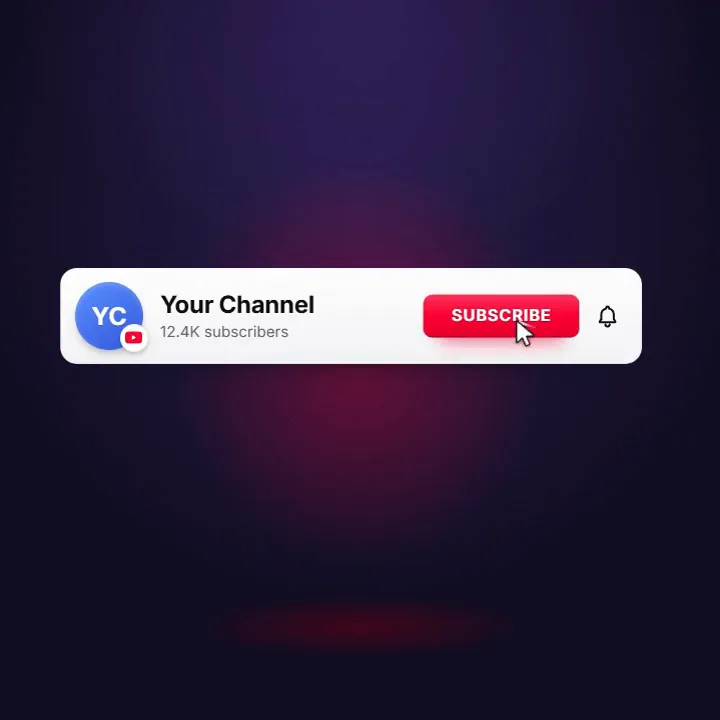
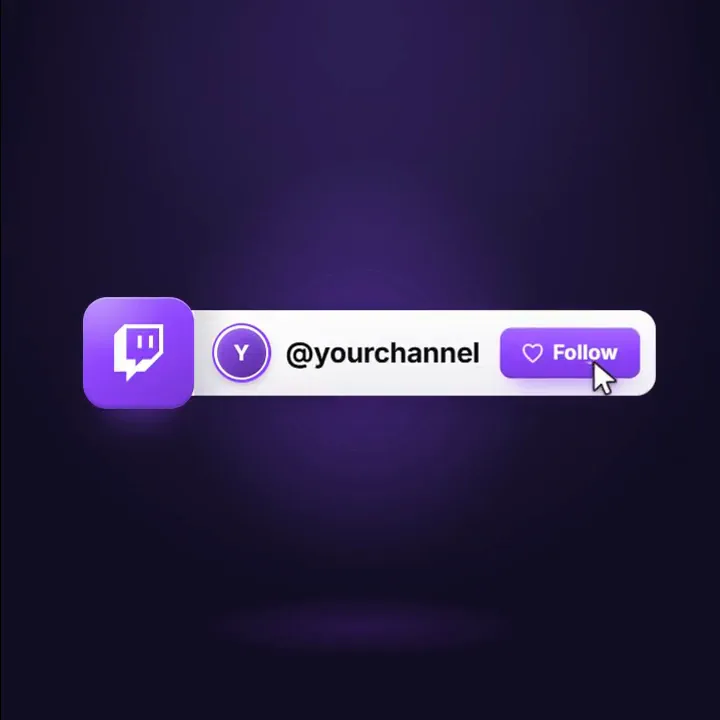
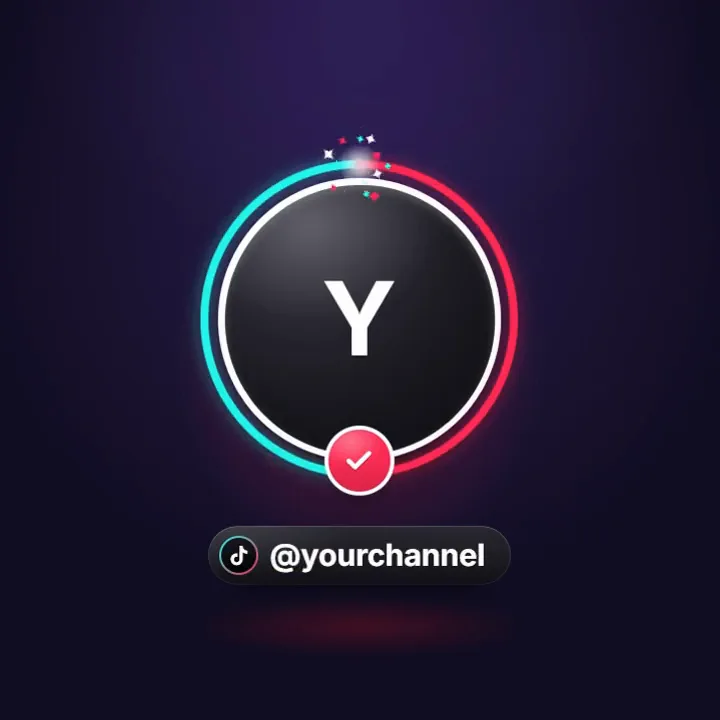
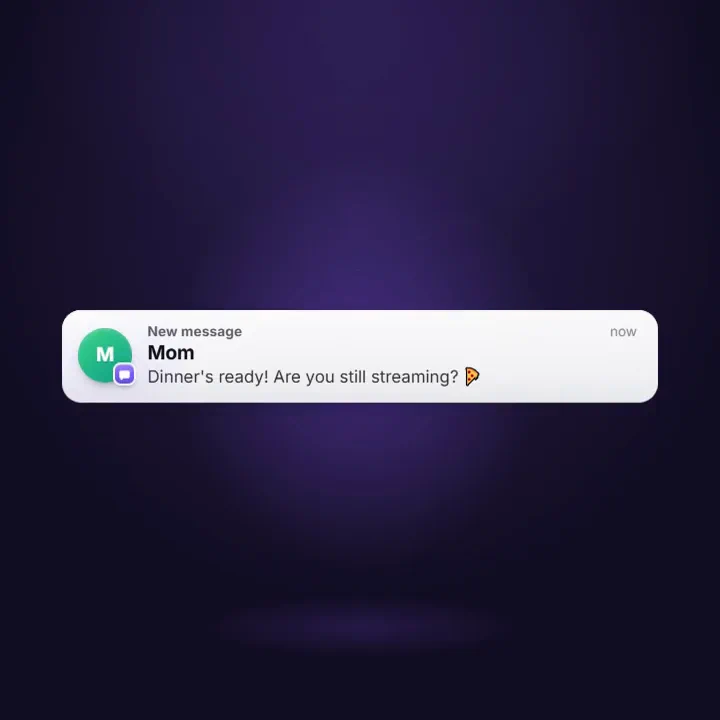
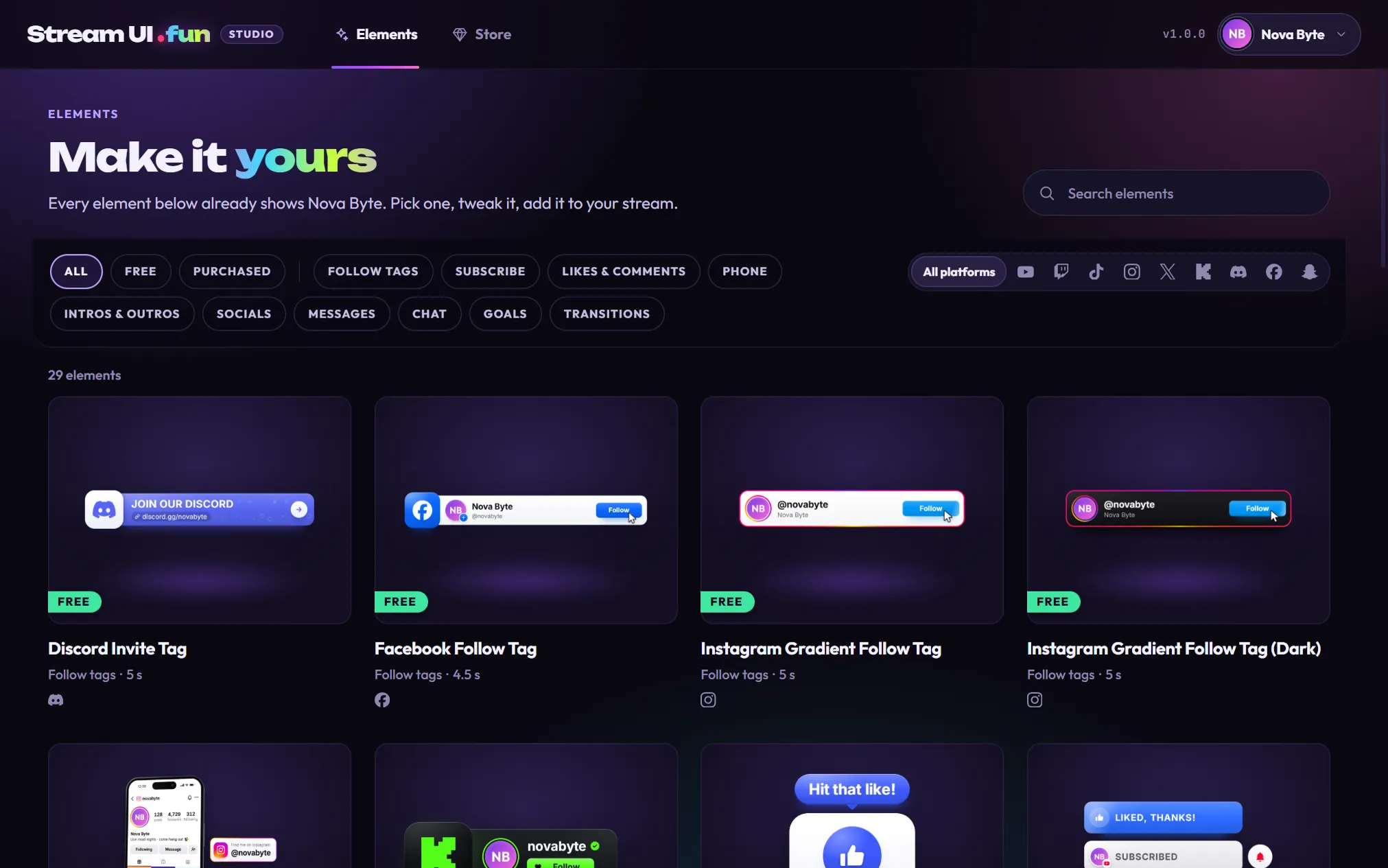
Stream UI Fun Studio puts your channel name, picture and follower count into animated stream elements: follow tags, subscribe bars, intros and more. Pick one, make it yours, and the app adds it to OBS Studio for you. It’s free, it runs on Windows, macOS and Linux, and you don’t need an account.
The free elements play on cue: when a scene goes live, on a timer, or with a hotkey or Stream Deck button. They don’t play by themselves when someone follows or subscribes.
What do you want to do?
Section titled “What do you want to do?”Get startedInstall the app and put your first element on stream in about five minutes.
Set up your channelYour name, picture, platforms and real follower counts, filled in everywhere.
Find and customize elementsBrowse the free elements, change text, colors and fonts, and make copies.
Add to your streamOne click for OBS Studio, plus guides for Streamlabs, TikTok LIVE Studio and more.
Choose when elements playThey play on cue, not on new follows: scene switches, repeat timers, hotkeys, Stream Deck, and how to test.
Download videosSave elements as videos: see-through for OBS, video editors and Discord, or on a green screen for phone apps.
Store and purchasesBuy packs, unlock them in the app and restore them on a new PC.
Get helpFixes for common problems, error messages explained, FAQ and how to reach us.
Popular guides
Section titled “Popular guides”- Quick start: your first element on stream: from opening the app to an element playing in OBS.
- Add to OBS Studio: put an element into an OBS scene with one click.
- Add to Streamlabs, TikTok LIVE Studio and more: step-by-step guides for every other streaming app.
- Set up play events: choose when each element plays, from scene switches to a repeat timer or a hotkey.
- Test your elements before you go live: test your play events in the app and in OBS, with a pre-stream checklist.
- Buy a pack in the app: from the buy button to your new elements.
- Import and unlock your purchase: get a pack you bought into the app.
- Use elements from packs: chat and goal widgets, transitions, stickers and stingers.
- Troubleshooting: when something doesn’t work the way you expect.
Still stuck?
Section titled “Still stuck?”Email hello@streamui.fun. A real person replies within 24 hours, Monday to Friday. See Get help for what to include so we can help you faster.