Shop (1)
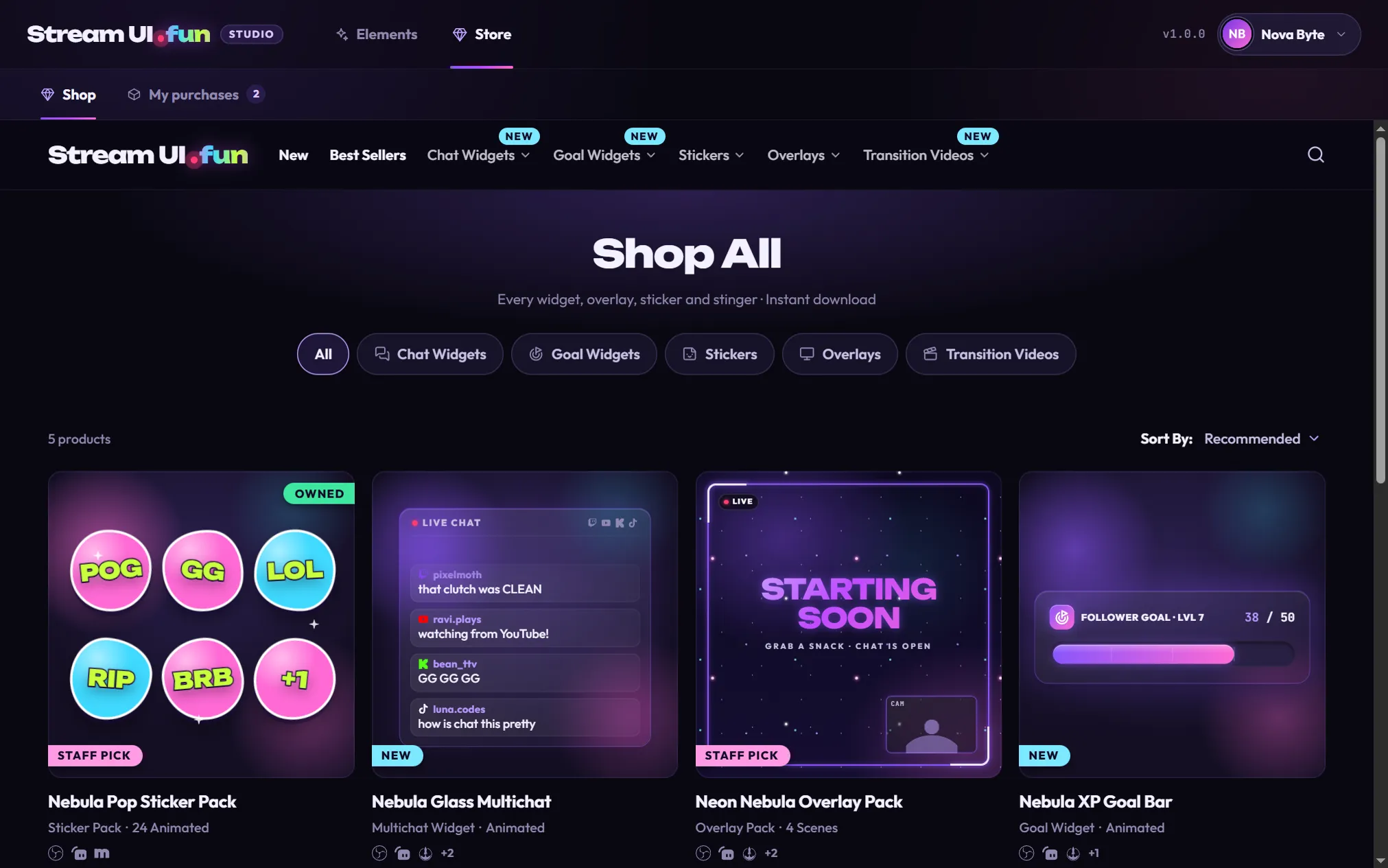
Browse and buy chat widgets, goal widgets, stickers, overlays, transition videos and money-saving sets. Shop is what you see the first time you open the Store.
The Store tab is the Stream UI .fun shop, built right into the app, plus a list of everything you’ve unlocked. Click Store in the top bar, next to Elements, to open it.
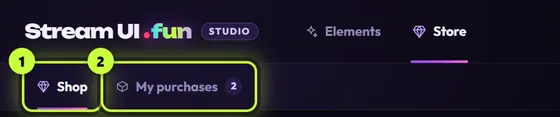
Shop (1)
Browse and buy chat widgets, goal widgets, stickers, overlays, transition videos and money-saving sets. Shop is what you see the first time you open the Store.
My purchases (2)
Every pack you’ve added on this computer, including packs still waiting for their license key. The number next to it counts them all.
The Shop is the streamui.fun store, shown inside the app without the website’s extras. While it loads you see Opening the store…. Use its menu, filters and search like you would on the website, and click a product to see its page.
You never pay inside the app. When you click a buy button, the checkout opens on Gumroad in your web browser, and the app waits for you to bring the purchase back. Buy a pack in the app walks you through it.
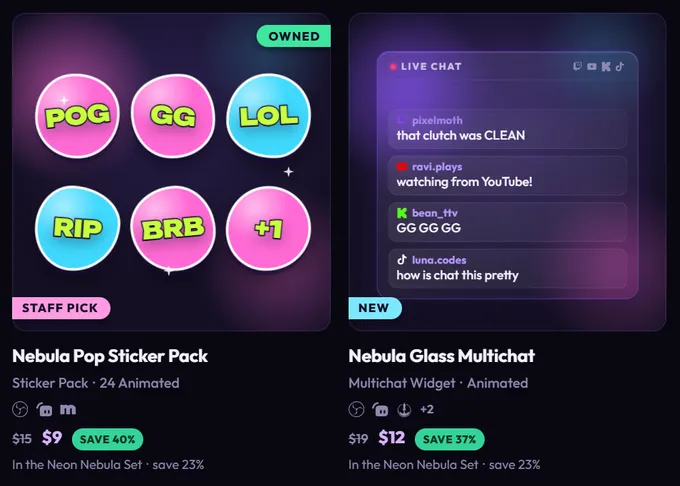
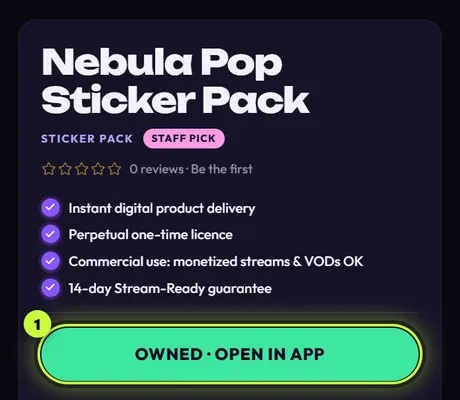
The Shop knows which packs you’ve unlocked in the app and marks them for you:
If the app can’t reach streamui.fun, the Shop shows a saved copy of the store with this banner:

You can still look around, and buying still opens in your browser, but prices and new products may be out of date. Once you’re back online, click Try again. If the store still can’t be reached, the banner simply stays.
My purchases lists every pack on this computer, with buttons to open it, update it, enter a key or remove it. It also has the Bought something? box for adding a purchase, and Restore purchases for getting your packs back on a new PC. See Manage your purchases.
| Word | What it means |
|---|---|
| Pack | What one purchase gives you in the app: one or more elements (or files like stickers and transitions). |
| Unlock file | The app’s file inside the .zip you download after buying. Its name ends in “- for Stream UI Fun Studio.zip”. You give the whole .zip to the app once (no need to unzip it) and the pack is yours on this computer. |
| Gumroad library | Your page on Gumroad (app.gumroad.com/library) where every purchase and its files stay, ready to download again. |
| License key | A code from your Gumroad receipt. Only some packs ask for one. |
| Waiting | After you buy in the app, the Store waits for your unlock file. A small dot on the Store tab means a purchase is still waiting. |
Bought elements show up in the Elements tab with an Owned flag (or New right after you unlock them). Use the Purchased filter there to see only them. Chat and goal widgets, transitions and ready-made files like stickers work a little differently from the free elements: see Use elements from packs.